Every team that publishes content through Telegram has a content approval workflow. It's just not automated.
Someone submits a job listing, a property ad, a deal proposal, or a news tip. An admin reads it — in DMs, in a group chat, in a forwarded message. Decides if it's good enough. Formats it. Publishes it to the right channel, copies the data into a CRM, maybe logs it in a spreadsheet. Then moves on to the next one. Fifty times a day.
That's a content approval workflow — it's just running on a person instead of a system. The approve/reject decision happens in the admin's head. The routing happens through copy-paste. The logging happens in a separate tab. Every step is manual, disconnected, and invisible to the rest of the team.
This guide covers how to turn that invisible process into a structured, automated content approval workflow — where submissions arrive through forms, land in a moderation queue, and trigger actions on approval: publishing to channels or sending the data on to your own system by webhook. All from one "Approve" button.

What a Content Approval Workflow Actually Looks Like
In content operations — whether it's a media company, a marketplace, a job board, or a community channel — the same five steps repeat for every piece of content:
1. Intake — content arrives from an external contributor (recruiter, agent, trader, community member)
2. Validation — is it complete? Does it have all required fields? Is the format correct?
3. Review — does it meet quality standards? Is it spam? Does it belong in this channel?
4. Approval — green light from an admin
5. Distribution — content reaches its destination(s): a channel, a CRM, a spreadsheet, an AI agent
Most teams handle steps 1–4 through conversations — DMs, group chats, email threads. Step 5 is manual copy-paste. The entire workflow is invisible: no queue, no audit trail, no way to know what's pending, what's approved, what's rejected.
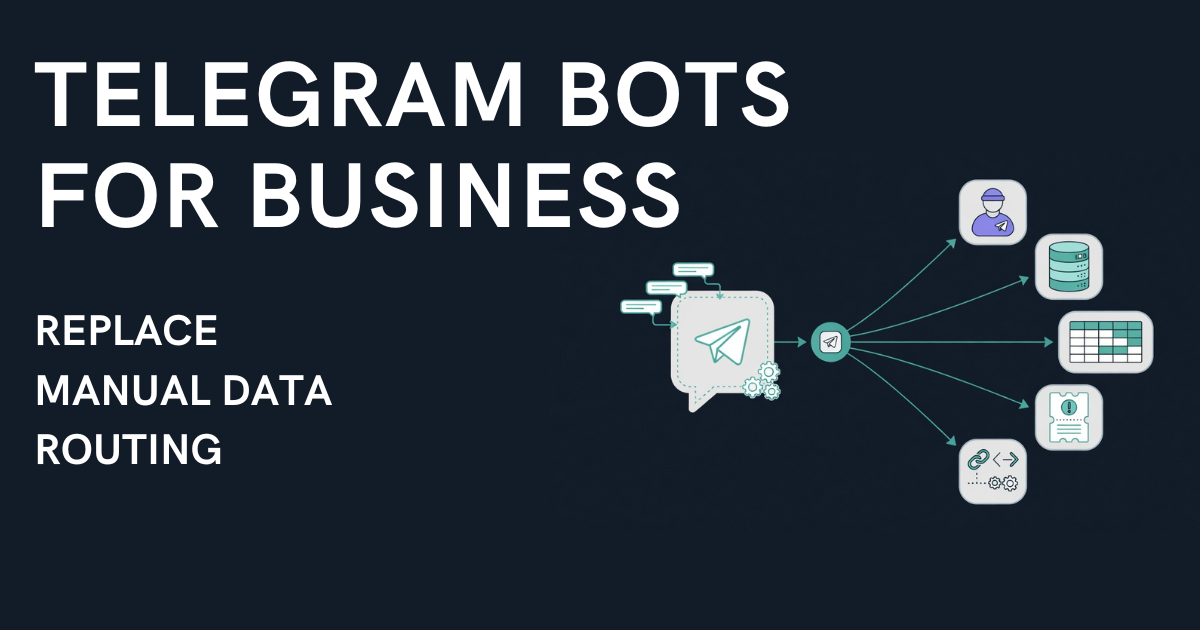
A proper workflow makes every step visible and automated. Submissions enter a queue. Admins approve or reject from a unified interface. Approved content triggers actions — automatically, to multiple destinations, based on conditions.
Run a channel that takes listings, jobs or rentals? Easy Post for channel admins shows how the bot takes the intake off your hands.
Manual Approval vs. Automated Workflow — The Real Cost
The manual approach works at low volume. Five submissions a day? An admin handles it between other tasks. But the costs compound with scale:
Time cost: Each submission takes 5–15 minutes of admin time — reading unstructured input, asking follow-up questions, formatting, publishing, logging. At 30 submissions/day, that's 2.5–7.5 hours of pure routing work.
Quality cost: Without required fields, submissions arrive incomplete. Admins either chase missing info (delays) or publish incomplete content (lower quality). Neither is acceptable at scale.
Visibility cost: No queue means no way to track what's pending. No rejection log means no way to identify repeat spam. No approval history means no accountability.
Routing cost: When content needs to reach multiple destinations — a Telegram channel AND a CRM AND a spreadsheet — the admin is the integration layer. Every approval is three manual steps instead of one.

An automated workflow eliminates all four costs. Structured forms fix intake. Required fields fix completeness. A moderation queue fixes visibility. An Action Engine fixes routing.
Building a Content Approval Workflow With Telegram Bot Forms
If your content comes from Telegram — and for millions of businesses in Central Asia, the Middle East, Eastern Europe, and Latin America, it does — the approval workflow needs to live where the content originates.
Here's the architecture that replaces the manual loop:
Step 1: Structured Intake via Bot Form
Instead of accepting raw DMs, a telegram bot form walks contributors through required fields — one at a time, with buttons where possible. A vacancy submission collects city, title, salary, requirements, contact. A property listing collects type, district, price, photos. A deal proposal collects asset, volume, terms.
Every submission arrives complete and consistently formatted. No follow-up questions. No parsing free-text messages.
Step 2: Moderation Queue
Submissions land in a queue — not in someone's DM inbox. Every item shows its status: waiting, approved, rejected, or published. Multiple admins can work the same queue. The review process is visible to the team, not trapped in one person's chat history.
The admin reviews and makes one decision: Approve, Reject, or Edit. That single action triggers everything downstream.
Step 3: Action Engine — Multi-Destination Routing on Approve
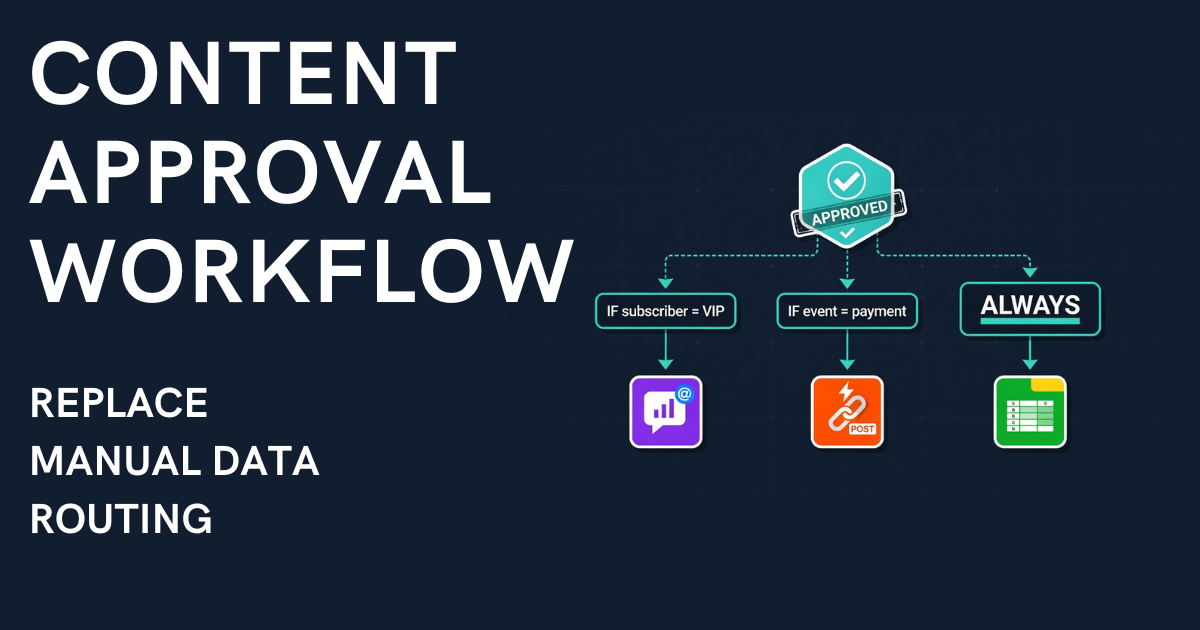
This is where most tools stop and where the real value begins. The Action Engine fires one or multiple actions the moment an admin hits "Approve":
• Publish to Telegram channel — auto-formatted, to the right channel based on conditions (city, category, type)
• Send a webhook — an HTTP POST with the submission as JSON to your URL (Pro plan and above); a CRM such as HubSpot, Salesforce, Zoho or Notion needs a receiver in between (n8n, Make, Zapier, or your own code)
• Log to spreadsheet — Google Sheets or Airtable, through the same webhook and a receiver such as an n8n or Make scenario
• Hand over to an AI agent — an MCP signal is written to the action log, and an agent connected over MCP picks it up for processing or enrichment (Business plan)
Each action has optional conditions. A vacancy with city = "Dubai" publishes to @channel_dubai. A vacancy with city = "Abu Dhabi" publishes to @channel_abudhabi. A webhook fires on every approval regardless of city. One tap — three actions (Pro plan and above) — zero manual routing.

Approval Workflows by Industry
The architecture is the same. The fields and destinations change.
Recruitment
Form: city, job title, salary, requirements, work format, contact. Approve → publishes to the right city channel + sends the data by webhook to a receiver that logs it in an HR spreadsheet. A recruitment agency processing 30+ vacancies/day saves 3–5 hours of manual work. See the full recruitment workflow →
Real Estate
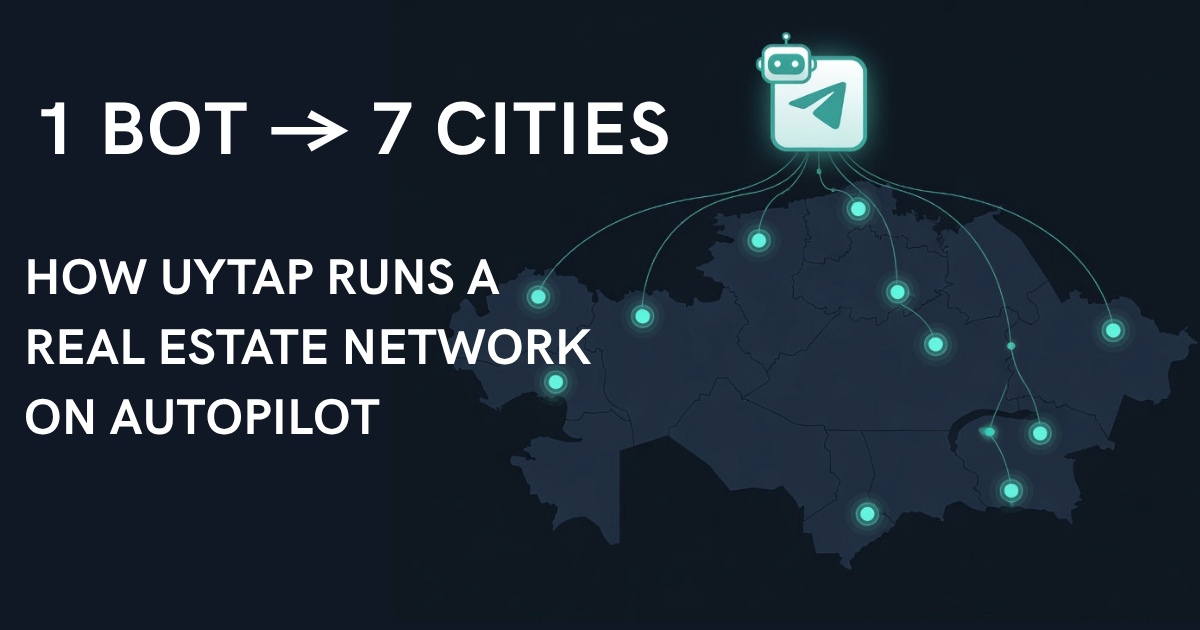
Form: transaction type, property type, city, price, photos, agent contact. Approve → routes to the correct city channel + sends the data by webhook to a receiver that creates the CRM record. Every listing is complete on submission — no follow-up questions, no manual CRM entry. See the UyTap demo with 7-city routing →
Crypto OTC
Form: deal type (buy/sell), asset, volume, price, terms, contact. Approve → publishes to trading channel + sends the data by webhook to a receiver that logs it in a compliance spreadsheet. Consistent deal formatting. Full audit trail. The approval workflow runs 24/7.
Support Intake
Form: issue type, priority, description, screenshot, contact. Approve → webhook sends the ticket to a receiver that creates it in the helpdesk (HubSpot, Zoho, Notion). Customers stay in Telegram. Data arrives structured in the system your team actually uses.
Community UGC
Form: category (news, incident, question, ad), description, photos, contact. Approve → publishes to channel with auto-formatting by category + sends submissions by webhook to a receiver that logs them in a spreadsheet for content analytics. Each submission carries its category, so admins see what it is before they read the rest. See the no-code form builder guide →
How Easy Post Implements Content Approval Workflows
Easy Post is built specifically for this pattern: structured intake → moderation → multi-destination routing.
Forms: 47 pre-built templates covering recruitment, real estate, crypto OTC, support, events, classifieds, and more. Each template is a no-code form inside a Telegram bot — buttons, required fields, photo uploads, text validation. No external links. Users stay in Telegram.
Moderation queue: Once an action without auto-approve is switched on, every submission waits in a unified queue with approve/reject/edit controls. Multiple admins. Full visibility of waiting, approved, rejected, and published items.
Action Engine: On approval, multiple actions can fire (up to four per form on Pro, no limit on Business; Free and Starter allow one) — each with its own type (channel publish, webhook, MCP signal) and optional conditions. One approval can publish to a channel and send a webhook to your own system, which passes the data on to a CRM or spreadsheet.
Setup time: Under 5 minutes. Pick a template, decide where submissions go (a channel is optional; if you add one, make the bot its admin), configure actions. No code, no hosting. A CRM or spreadsheet needs a receiver for the webhook, such as an n8n, Make, or Zapier scenario.
For developers and AI-native teams: Easy Post's MCP server with more than 40 tools (Business plan) allows full pipeline control from Claude, Cursor, or any MCP-compatible client.
Frequently Asked Questions
What is a content approval workflow?
A structured process where content submissions are collected, reviewed by an admin (approve/reject/edit), and then automatically distributed to their destinations — channels, CRMs, spreadsheets, or other systems. It replaces the manual loop of reading DMs, formatting posts, and copy-pasting between tools.
Can I build a content approval workflow without coding?
Yes. Easy Post provides no-code form templates, a built-in moderation queue, and a UI-based Action Engine. The entire workflow — from form to multi-destination routing — is configured through the interface.
How is this different from a Telegram bot that just forwards messages?
Forwarding bots (like LivegramBot) relay raw messages 1-to-1. No structure, no queue, no routing. A content approval workflow adds structured forms (required fields, buttons, validation), a moderation queue (visible status for every submission), and an Action Engine (automatic multi-destination routing on approval).
Can approved content go to more than just a Telegram channel?
Yes. The Action Engine supports three action types: channel publish, webhook (JSON to your URL, from the Pro plan; a CRM or spreadsheet needs a receiver such as n8n, Make, or Zapier), and MCP signal (written to the action log for an AI agent connected over MCP, Business plan). Each action can have conditions. How many actions one form can have depends on the plan: one on Free and Starter, four on Pro, no limit on Business.
Your Team Deserves a Real Workflow
If your content approval process runs on DMs, memory, and copy-paste — it's not a workflow. It's a person doing routing work that a system should handle.
A structured workflow gives your team visibility (what's pending?), consistency (every submission is complete), and automation (approve once, route everywhere). It turns the admin from a human router into a decision-maker.
The decision is the valuable part. Everything else should be automatic.