Google Forms is the world's most popular free form builder. It works perfectly for surveys, feedback, and lead capture on websites.
But if your data comes from Telegram users and needs to reach Telegram channels, CRMs, or spreadsheets automatically — Google Forms creates more manual work than it saves.
This page breaks down exactly where Google Forms works, where it breaks, and when Easy Post is the better fit.
The Core Difference
Google Forms collects data into a spreadsheet. Full stop. Getting that data anywhere else — a Telegram channel, a CRM, a different spreadsheet — requires manual copy-paste, a script, or a Zapier chain.
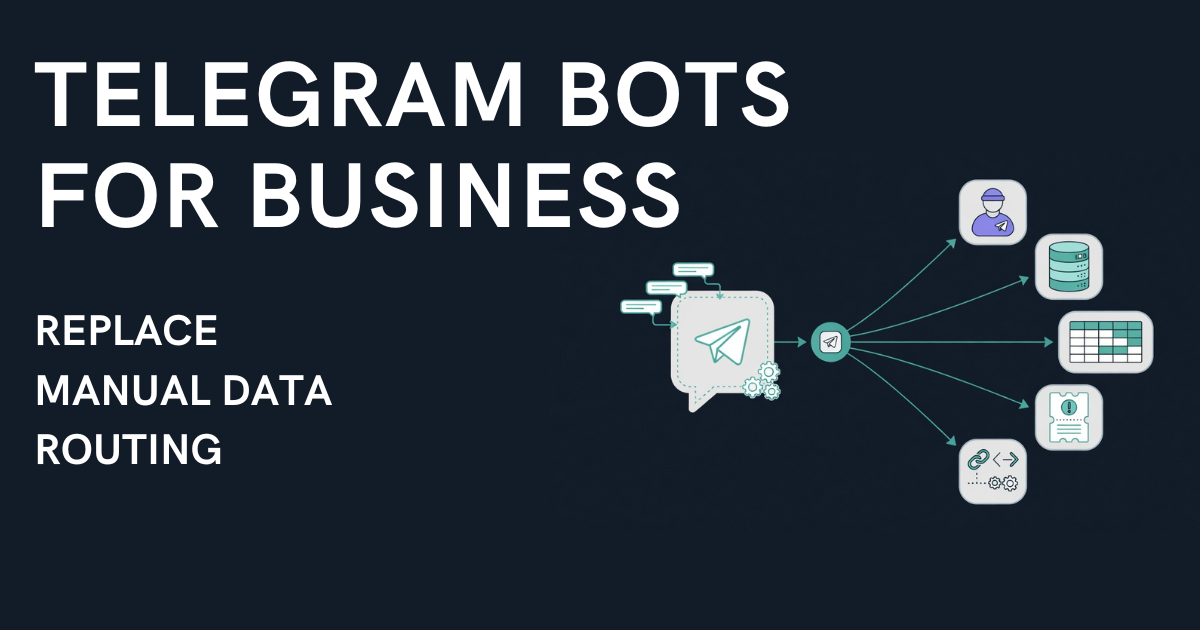
Easy Post collects data inside a Telegram bot AND routes it to multiple destinations on approval — Telegram channels, and a webhook for CRMs and spreadsheets (Pro and above). AI agents can read and approve submissions over MCP (Business plan). The form is step 1 of an automated pipeline, not the end of it.
Side-by-Side Comparison
Feature | Google Forms | Easy Post |
|---|---|---|
Form builder | ✅ Drag-and-drop | ✅ 47 templates + custom fields |
Lives inside Telegram | ❌ External link, opens browser | ✅ Native bot, user stays in chat |
Button responses (no typing) | ✅ Multiple choice and checkboxes (on a web page) | ✅ Inline buttons |
Photo uploads | ✅ File upload field | ✅ In-chat photo upload (up to 10) |
Moderation queue | ❌ | ✅ Approve / reject / edit |
Publish to Telegram channel on approve | ❌ | ✅ Auto-formatted post |
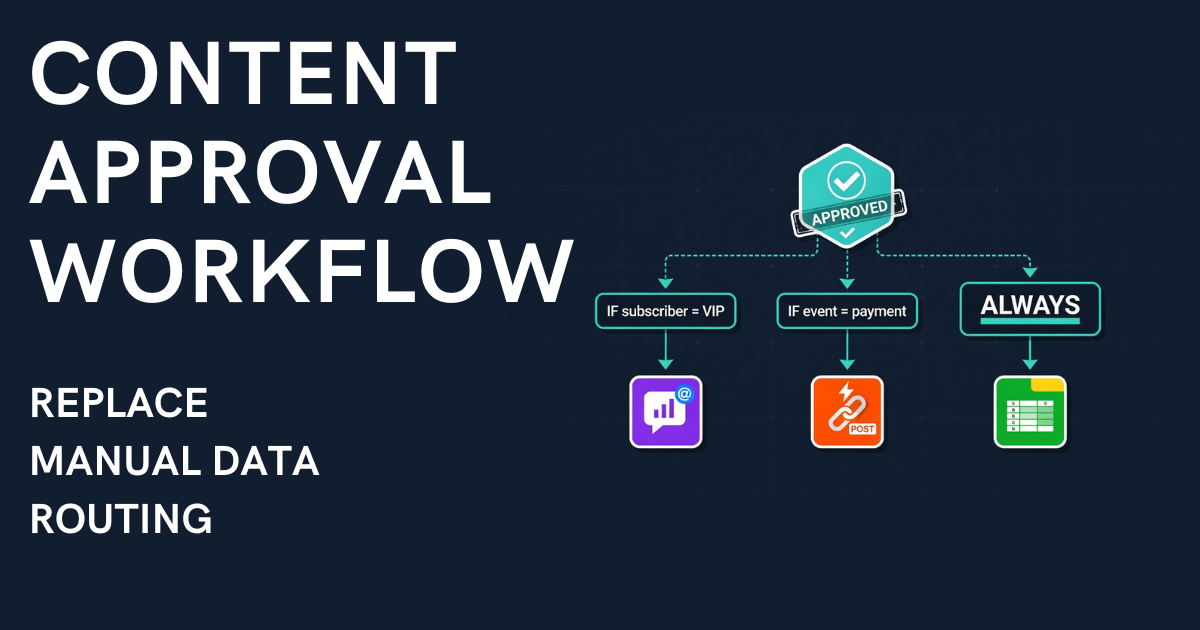
Condition-based routing | ❌ | ✅ Route by any field value (several destinations: Pro and above) |
Multi-destination on approve | ❌ | ✅ Several channels and a webhook on one approval (Pro and above) |
Webhook to CRM | ❌ (needs Zapier or a script) | ✅ Built-in HTTP POST webhook (Pro and above; a CRM needs an intermediary such as n8n, Make or Zapier) |
Spreadsheet logging | ✅ Native (Google Sheets) | ✅ Via webhook and an intermediary (Pro and above) |
AI agent integration | ❌ | ✅ MCP server (45+ tools, Business plan) |
Mobile UX for Telegram users | ❌ Leaves app, loads browser | ✅ Never leaves Telegram |
Setup time | 5 minutes | 5 minutes |
Code required | No | No |
When Google Forms Is the Right Choice
Google Forms wins when:
• Your audience fills forms on a website or via email — not inside Telegram
• You only need data in a Google Sheet — no publishing, no routing
• You're running surveys or polls where responses don't need moderation
• You don't need to publish responses anywhere — just collect and analyze
Google Forms is free, reliable, and universally understood. For web-based data collection into spreadsheets, it's hard to beat.
When Google Forms Breaks — The Telegram Gap
The problems start when your data originates from Telegram users and needs to flow back into Telegram or beyond:
Problem 1: Users leave Telegram
A Google Forms link in your channel description opens a browser. On mobile — where 80%+ of Telegram usage happens — the user switches apps, waits for the page to load, fills the form, then has to navigate back to Telegram. Friction kills completion rates.
Easy Post: The form runs inside the Telegram bot. User taps buttons, types answers, uploads photos — never leaves the chat.
Problem 2: Data lands in a spreadsheet — and stops
A completed Google Form creates a row in Google Sheets. That's it. If you need that data published as a formatted post in a Telegram channel, someone has to read the row, format it, and publish it manually. Every. Single. Time.
Easy Post: On approval, the Action Engine auto-formats and publishes to the correct channel and can also send the data by webhook (Pro and above) to a service that writes it into your CRM or spreadsheet.
Problem 3: No moderation layer
Google Forms has no concept of "approve before publishing." Every response goes straight to the sheet. If you're accepting property listings, job postings, or deal proposals — you need to review before anything goes public.
Easy Post: Every submission enters a moderation queue by default. Approve, reject, or edit. Nothing publishes without admin action unless you switch on Auto-approve.
Problem 4: No routing logic
If you manage channels for multiple cities — Almaty, Astana, Dubai, Abu Dhabi — Google Forms can't route a submission to the right channel based on a "city" field. You read the response and manually decide where it goes.
Easy Post: The Action Engine checks field values and routes automatically. City = "Almaty" → publishes to @channel_almaty. City = "Astana" → publishes to @channel_astana. One approval, automatic routing.
Run several channels, one per city? Easy Post for channel admins shows how the bot takes the intake off your hands.
Real Example: Property Listings
With Google Forms:
1. Agent clicks link, leaves Telegram, opens browser
2. Fills form (dropdowns, text fields, file upload)
3. Data appears in Google Sheet
4. Admin reads the row, decides which city channel
5. Admin formats the post manually
6. Admin publishes to the correct channel
7. Admin logs in CRM manually
Time per listing: 10-15 minutes
With Easy Post:
1. Agent taps buttons in Telegram bot (city, type, price)
2. Uploads photos in chat
3. Submission enters moderation queue
4. Admin taps "Approve"
5. Action Engine publishes to the correct city channel and sends a webhook to your system (Pro and above)
Time per listing: 30 seconds of admin time
At 30 listings/day, that's the difference between 5+ hours of manual work and 15 minutes of approvals.
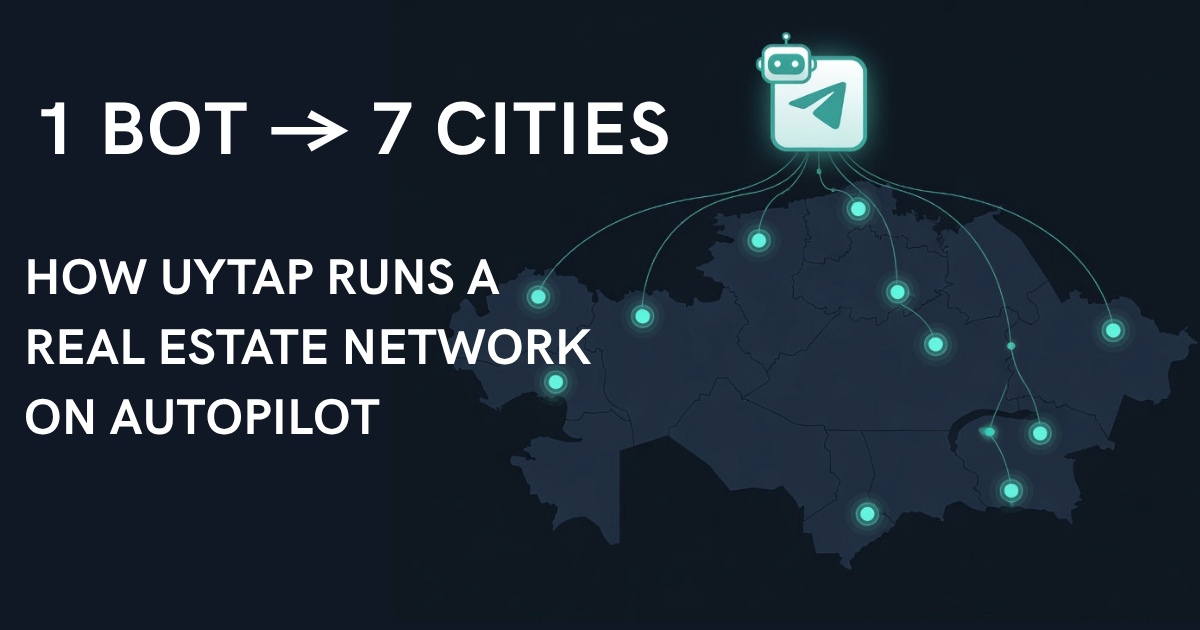
See this in action: UyTap runs 7 city channels from one bot — routing property listings across Kazakhstan automatically.
Can You Connect Google Forms to Telegram?
Yes — with workarounds. You can use Zapier or Make.com to push Google Forms responses to a Telegram channel via bot API. But:
• It costs $20-50/month for Zapier (beyond the free tier)
• There's no moderation — responses auto-publish or don't publish at all
• Routing by field value takes extra branches (Zapier Paths on a paid plan, a Make router) that you build and maintain yourself
• The user still leaves Telegram to fill the form
• You're maintaining a three-tool chain (Google Forms + Zapier + Telegram bot) instead of one
Easy Post replaces the entire chain with a single tool. For publishing to a channel there is no Zapier and no glue code: form, moderation and routing all run inside Telegram. Sending data on to a CRM or spreadsheet goes through a webhook (Pro and above), and something on your side has to receive it.
Try It
If your workflow looks like "Telegram user → Google Form → spreadsheet → manually copy to channel" — Easy Post eliminates the manual steps.
Set up your first form in 5 minutes →
Already using Google Forms for Telegram? See how telegram bot forms work, or explore the no-code form builder comparison.